
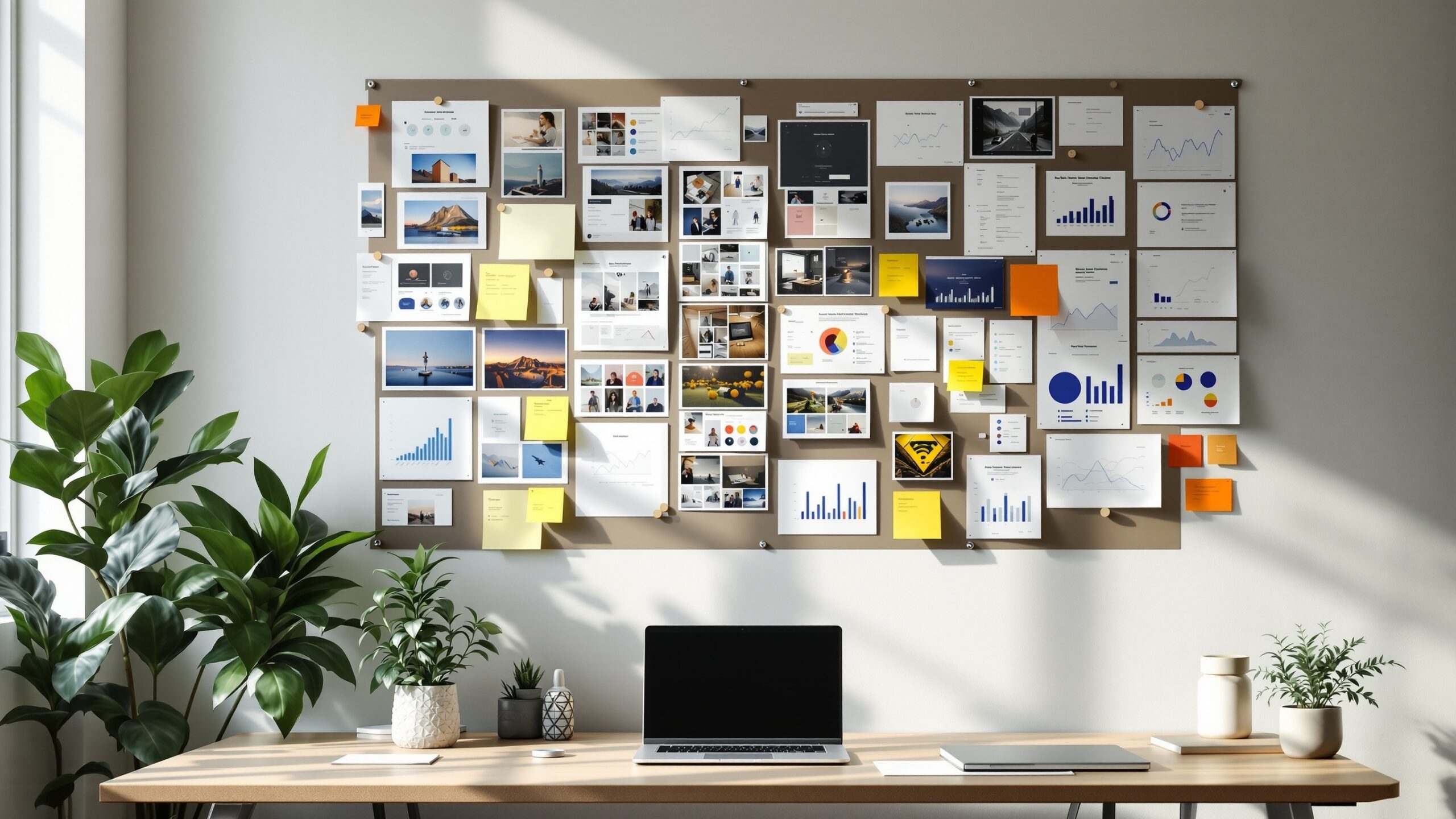
On Entrepreneur Streets, Build Galleries is your visual proof that big ideas don’t just live in slides—they ship, evolve, and grow in the real world. This sub-category is your backstage pass into founder build journeys: product layouts sketched on napkins, scrappy MVP screenshots, workspace before-and-afters, packaging mockups, launch-day dashboards, and everything in between. Each gallery-style article walks you through a build story frame by frame, showing what changed, why it changed, and what the team learned along the way. You’ll see experiments that worked, designs that flopped, and the quiet, unglamorous iterations that actually moved the needle. Use Build Galleries to swipe layout ideas, UI patterns, workspace setups, and rollout strategies you can adapt to your own venture. Whether you’re a first-time founder or scaling your third startup, this hub turns inspiration into a swipeable playbook—so you can zoom in on the details, zoom out on the strategy, and borrow the best moves for your next build, your next pitch, and your next big leap.
A: Pick one clear journey—like your product’s onboarding flow or office build-out—and tell it end-to-end.
A: Enough to show real change, but not so many that viewers get lost—10–20 curated shots is a strong start.
A: No—simple grids and clear captions work well; polish can come later.
A: Use internal galleries for sensitive content and public ones for safe, brand-ready visuals.
A: Refresh them whenever you ship a major release, move spaces, or hit a new milestone.
A: They complement them—images hook attention, while case studies add depth and narrative.
A: Use consistent colors, framing, and typography across all gallery layouts.
A: Document anyway—small, visual improvements highlight momentum you might otherwise ignore.
A: Homepage, About page, or an “Our Build Journey” section linked from key navigation.
A: Reuse images across socials, newsletters, hiring pages, and investor updates.